Six Ways to Learn to Count
Most counting apps count dots and blocks. MyAlphaPics counts the people, pets, and toys your child already loves, because counting things that matter is how counting sticks.
Nothing extra to set up
The counting games automatically use the photos already in the app: the ones you added for letters, or your child's own pictures.
Every photo you personalize does double duty. You choose how high to count in Settings and raise it as your child grows, and like everything in MyAlphaPics, it all stays private on your device.
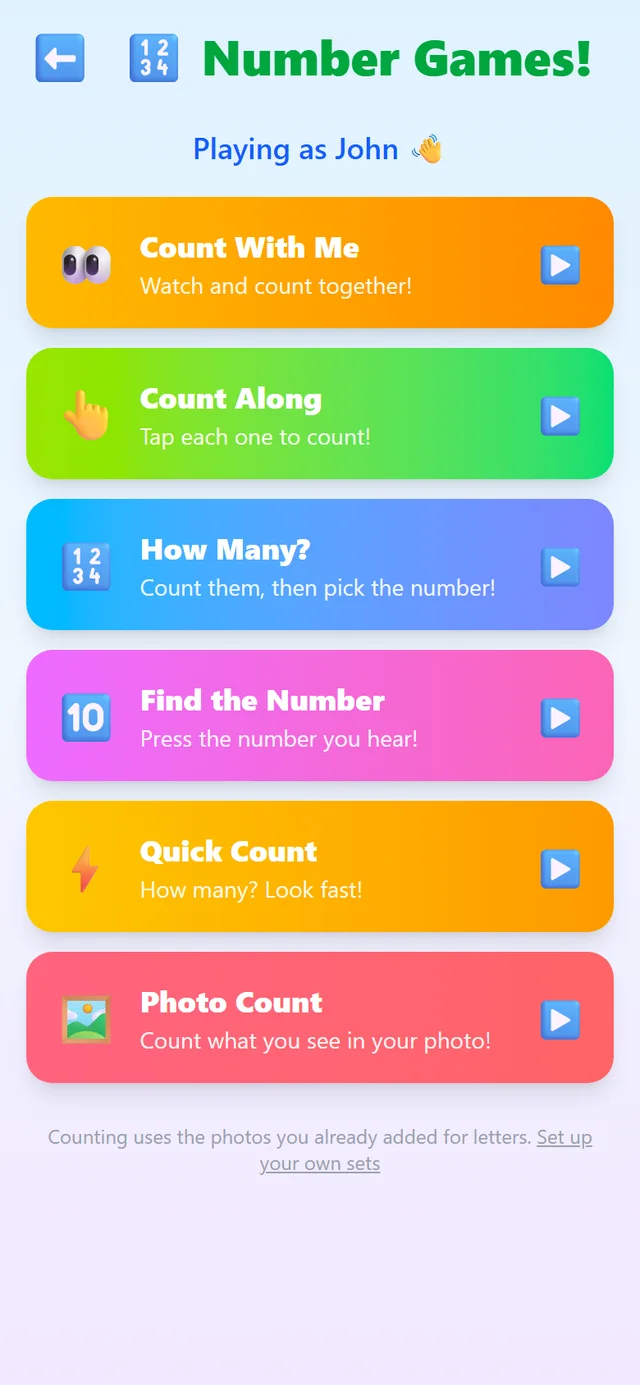
Count With Me
The gentle introduction. The app counts each picture out loud while your child watches, modeling the rhythm of counting the way a parent would, one photo at a time.
Count Along
Now it's your child's turn: they tap each picture to count it themselves. This builds one-to-one correspondence, the understanding that each object gets exactly one number, which is the real foundation of counting.
How Many?
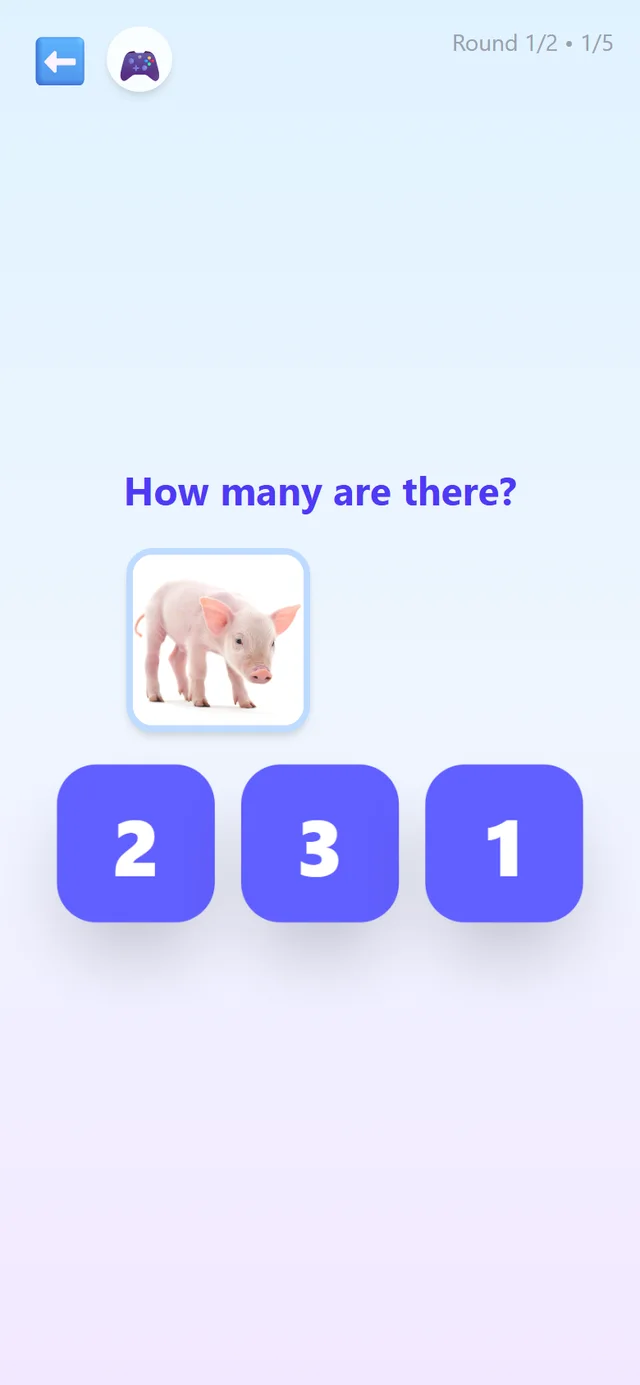
Count the pictures, then pick the right numeral from the choices. This connects the counting your child can do out loud to the written numbers they'll see everywhere.
Find the Number
“Can you press the 7?” Pure number recognition, the counting twin of the letter games: hear a number, find its numeral.
Quick Count
How many? Look fast! A flash of pictures trains your child to recognize small quantities at a glance, a skill called subitizing that underpins early math fluency.
Photo Count
Counting inside one real photo: cousins at the birthday party, ducks at the pond. It's counting the way it happens in life, using scenes from yours.

And when your child needs focused help, Smart Practice.
Just like the letter games, the counting games quietly track which numbers your child breezes through and which ones trip them up.
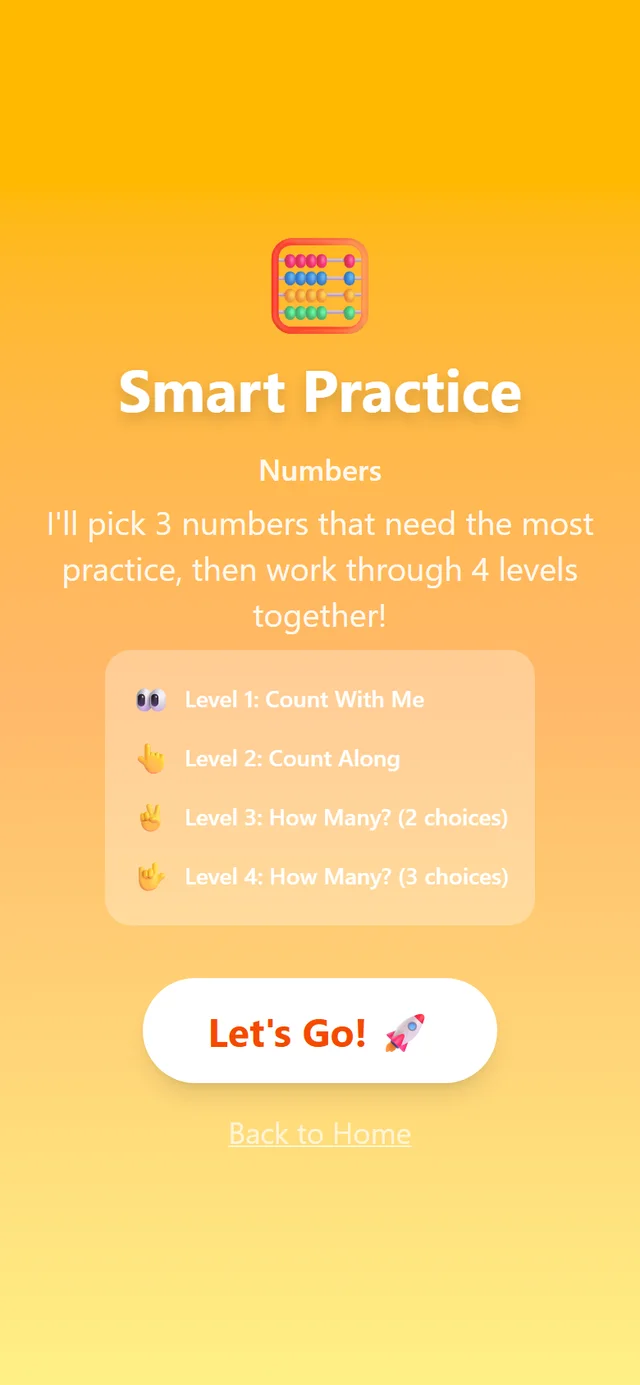
Numbers Smart Practice builds a session around exactly the tricky ones, climbing four levels from watching-and-counting to picking the right numeral. The Reports screen has a Numbers tab so you can watch it happen.